
Stop worrying about high monthly streaming subscription fees. One device consolidates all your content.
As a North American user, faced with an ever-growing array of streaming platforms—Netflix, Disney+, Prime Video, Hulu, Max… are you tired of constantly switching between apps and watching your monthly expenses climb? vSeeBox is a device that has garnered attention in this very context, promising to integrate fragmented streaming content and provide a one-stop viewing experience.
But before you place your order, please take a few minutes to read this comprehensive guide to understand if vSeeBox is truly right for your home entertainment needs.
1. Why Should North American Users Consider vSeeBox?
The core value of vSeeBox lies in "Integration" and "Savings". It is not another streaming platform requiring a monthly fee from you, but rather an "intelligent hub" that allows you to access a vast ocean of content more efficiently.
-
Break Down Platform Barriers: You no longer need to open Max for The Last of Us, switch to Disney+ for Daredevil: Born Again, and then go back to Netflix for Stranger Things. vSeeBox aggregates content from numerous platforms through a unified interface, allowing you to search, browse, and play all in one place.
-
Potential Cost Savings: With widespread price increases on major streaming platforms, many American households now face monthly subscription bills exceeding $100. One of vSeeBox's highlighted features is $0 Monthly Fees (no additional subscription costs after the one-time device purchase), while also providing access to hundreds of North American, Asian, and international live channels. One user commented: "Best $240 I ever spent!!!".
-
Unparalleled Content Breadth: Beyond mainstream content, vSeeBox also offers a wealth of programming often hard to find on traditional platforms, including Chinese content, European films, and niche shows, satisfying the viewing preferences of different family members.
-
Technical Advantages: Newer models like the V5 Pro support 6K@60fps and 4K HDR video playback, delivering theater-quality picture. Built-in Wi-Fi 6 and Gigabit Ethernet ports ensure a stable, smooth playback experience, saying goodbye to buffering.
2. How Does vSeeBox Work?
Understanding how vSeeBox works is crucial for making an informed purchase decision.
vSeeBox is essentially an Android-based TV box. It integrates content from different sources into a user-friendly interface through pre-configured software and applications.
The latest models run the Android TV system (some models on Android 12 or newer), meaning you can still access the Google Play Store and install your favorite apps.
It is not a content creator, but rather a content aggregator and organizer. vSeeBox uses its system to bring together various video sources (including official streaming services, live channels, etc.) and presents them to the user through a unified search interface.
Its value lies in hiding the complex sources behind the scenes, presenting the user only with a simple, easy-to-use, and content-rich interface.
3. What Do You Need to Get Started with vSeeBox?
Getting started with vSeeBox is very simple. You only need the following items:
-
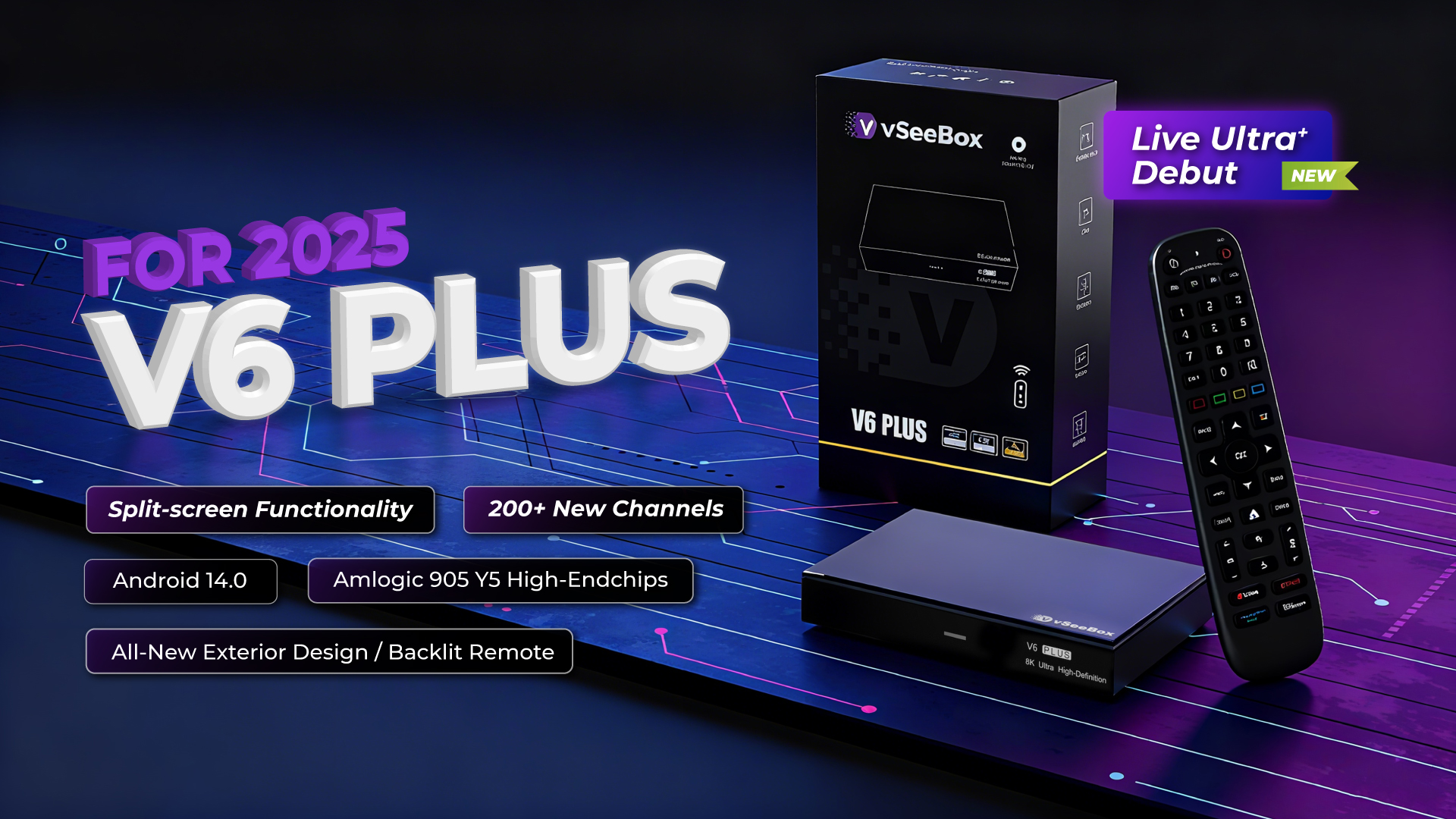
vSeeBox Hardware Device: This is the core device. The market currently mainly offers models like the V3 Plus, V5 Pro, V6 Max, and V6 Plus. The latest models are equipped with 4GB RAM and 32GB/64GB storage, sufficient for installing numerous apps and caching content.
-
Display Device & Connection: You need a modern TV with an HDMI interface. The device usually comes with a high-quality HDMI cable; for example, the V5 Pro includes an HDMI 2.1 cable.
-
Stable Internet Connection: This is the most important condition! Since all content is delivered via streaming, a broadband speed of at least 25Mbps is recommended. For 4K streaming, faster speeds (50Mbps or above) are needed to ensure smooth playback. vSeeBox's Wi-Fi 6 and Gigabit Ethernet support help guarantee this.
4. vSeeBox Model Comparison
Understanding the differences between models helps you make a suitable choice:
| Model | Key Features | Target Audience |
|---|---|---|
| V5 Pro | 4GB+32GB Storage, 6K/4K HDR, Wi-Fi 6, Android 12 | Mainstream users seeking cost-effectiveness and high performance |
| V3 Plus | 4GB+64GB Storage, 8K HD | Users requiring more storage space |
| V6 Max/V6 Plus | Higher Configuration, Android 14 | Tech enthusiasts pursuing the latest technology and performance |
5. Frequently Asked Questions for Beginners
Q: Will watching 4K/6K content buffer?
A: This depends primarily on your internet speed. One user confirmed: "IPTV hasn't buffered one bit. Everything smooth as can be." As long as your network is fast and stable enough (recommended 50Mbps or above for 4K), vSeeBox's hardware, which supports 6K decoding, can handle smooth playback.
Q: Is it complicated to set up? Do I need to be a tech expert?
A: Not at all. One of vSeeBox's highlighted features is easy setup. The process is typically very intuitive: Plug in power → Connect HDMI → Connect Wi-Fi → Enter main interface. The whole process is no different from setting up a regular TV box and can be easily completed even by users unfamiliar with technology.
Q: What's the difference between it and an Amazon Fire TV Stick?
A: The Fire TV Stick is a "platform" where you need to install various streaming apps. vSeeBox, however, is an "integrated system." It has built-in aggregation functions, allowing you to directly search and watch cross-platform content without needing to install many separate apps. It typically offers broader content access permissions than the Fire Stick, including rich live channels and a 7-day catch-up function.
Q: Do I need to update it frequently?
A: Yes. To ensure optimal performance, fix bugs, and adapt to evolving content sources, vSeeBox regularly pushes system updates over the internet. Keeping the device updated to the latest version is key to a stable experience.
Q: Can vSeeBox integrate with other smart home devices?
A: Some users are exploring integrating vSeeBox with Home Assistant for remote control, indicating it has a degree of expandability, though support might not be as comprehensive as with mainstream devices.